
WICER · Module 07 of 11 · Fees & Finance
Know what is invoiced, paid and overdue.
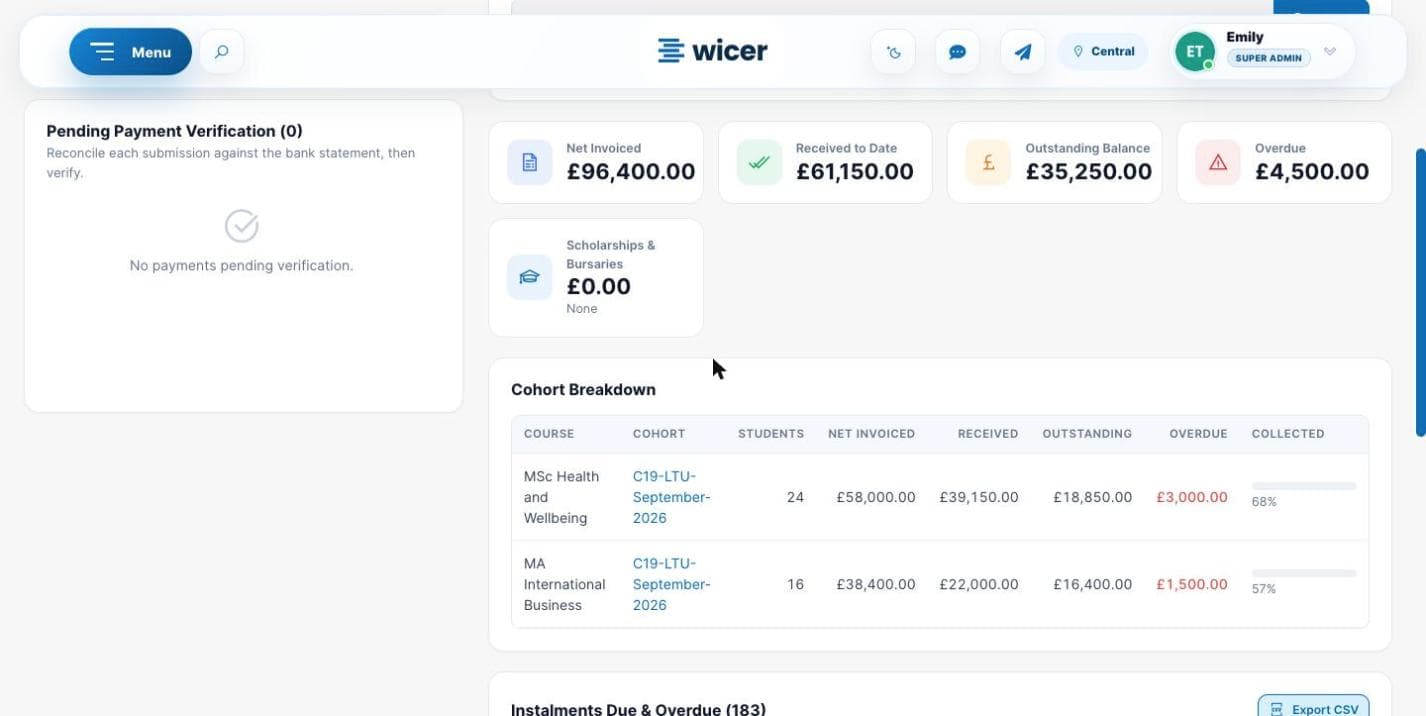
Set up fee plans and instalments, issue invoices, and reconcile payments against your bank statement. For students funded through Student Finance, loan status and SLC payment dates are tracked by intake.
WICER · real interface · sample data
What it does
Fees & Finance
Used by
Finance and accounts teams
Shares the same student record as every other WICER module.
- 01Fee plans with instalments, and rescheduling
- 02Invoices as PDF
- 03Scholarships and bursaries
- 04Payment verification against proof uploaded by the student
- 05Totals for invoiced, received, outstanding and overdue
- 06Manual and automatic overdue reminders, with a log
- 07Student Finance loan status and SLC payment dates by intake
- 08Accounts and Student Finance dashboards
Next moduleStudent Portal →